
Tutorial · 4 min read
Calculator Watch Manuals
Casio publishes instruction manuals for its watches free of charge, and it organises them by module number rather than by model name. That single fact explains most of the…
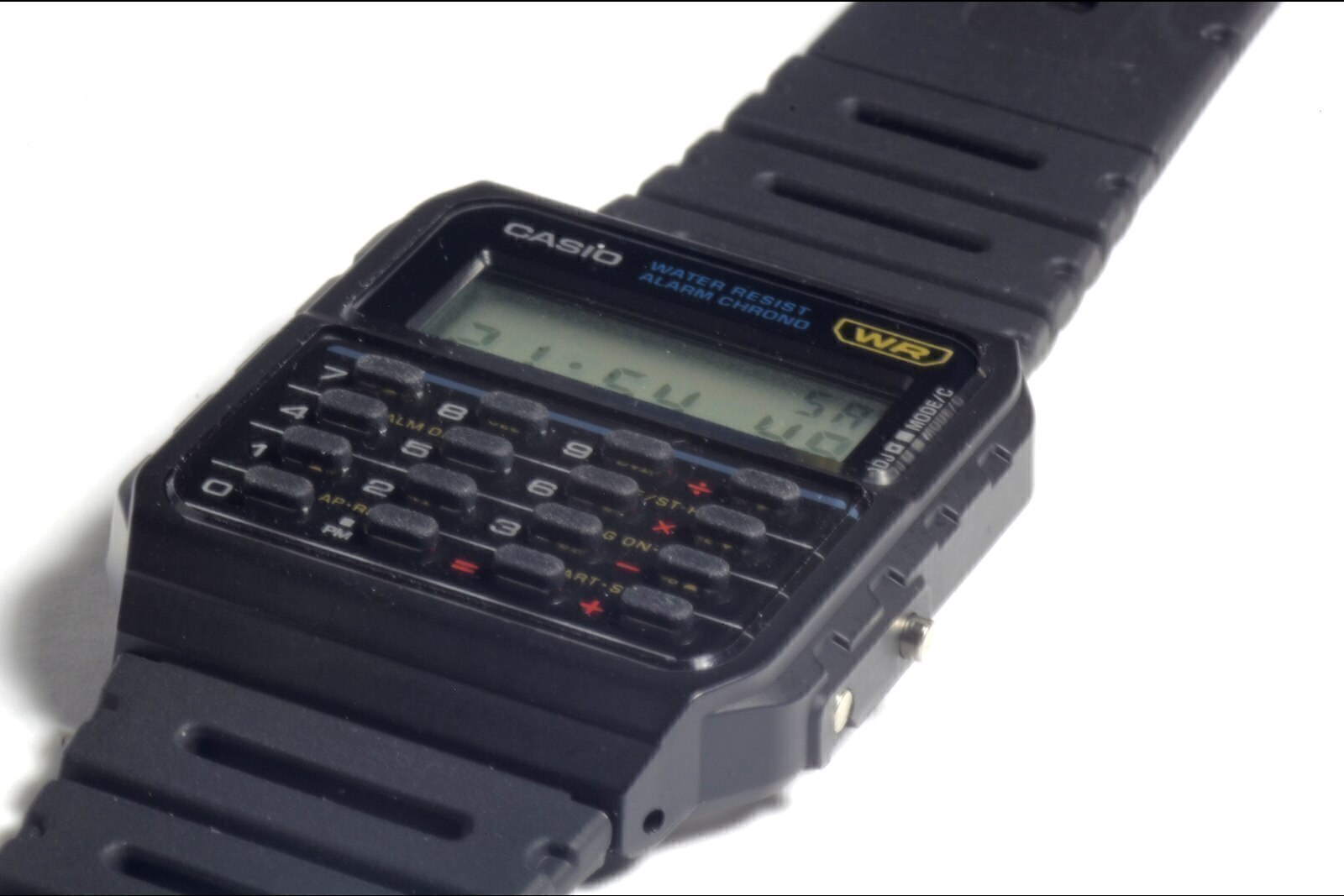
Casio publishes instruction manuals for its watches free of charge, and it organises them by module number rather than by model name. That single fact explains most of the frustration people have finding a manual: the watch in your hand says CA-53W, but the download page wants a four-digit number you have never looked at. This page is a directory — how to find your module, which module each model in our catalogue uses, and where the official documents are.
Step 1: find the module number on the case back
Turn the watch over. The case back carries an engraved or printed four-digit number in a small rectangular box, usually above or beside the model reference and the case code. That four-digit number is the module number, and it — not the model name — is what Casio's manual index is organised by.
Write it down before you go looking. The same module is often used across several references, so knowing it lets you find documentation for a watch whose bezel markings have worn away, and it tells you immediately whether a manual you have found applies to your watch at all.
On some references the number is stamped on the case back but not in a box, and on plated or heavily worn examples it can be faint. A photograph with raking light from a phone torch usually makes it legible.
Step 2: use Casio's own manual index
Casio maintains a support site with downloadable manuals in PDF form, sorted by module, and separate support pages for each reference that carry the User's Guide for that model. Enter the module number and you will be offered the matching booklet, usually in several languages.
This is the authoritative source. It is the document that ships in the box, and it is the only place where the button sequence for your exact module is stated without anybody's interpretation in between. Every model page in this catalogue links to the relevant Casio support entry point.
Where a module number has not been confirmed for a model, this site leaves the field blank rather than filling in a plausible guess. A wrong module number is worse than no module number, because it sends you to the wrong instructions with confidence.
Step 3: if the manual is missing
Nothing is lost. Three routes work, in order of reliability:
- The module number and Casio's index. Free, current, correct. This is the answer.
- A sibling model's manual. Many calculator references share a module or a close variant. If two watches list identical features, dimensions and battery, their manuals are usually interchangeable in practice — but check the battery figure, because that is the field that most often differs between modules in the same family.
- Our own walkthroughs. The calculator keypad guide covers calculator mode, constants and the common traps. The time-setting guide covers the procedure that varies most between modules. The CA-53W manual walkthrough goes section by section through the document for the most common reference.
What we would not rely on is a scanned manual of unknown provenance from a file-sharing site. Manuals are a common vehicle for modified PDFs, and the sequences in them are not always right for the module you have. We do not host or mirror any manufacturer document for that reason — we send you to the rights holder.
Module numbers we have confirmed
The table below lists, for each model in this catalogue, the reference, the module we have been able to confirm from Casio's own documentation, and the manual route. Where the module is unconfirmed, the field says so. Where a model has no current manufacturer documentation of its own, the row says that instead of pointing at a near-miss.
Modules that are commonly confused
Three mix-ups account for most of the wrong-manual problems we hear about:
- 437, 438 and 3208. One Casio document covers all three, which leads people to assume they are interchangeable. They are not: 438 uses a CR1616 rather than a CR2016 and has a different button count.
- CA-53W versus CA-500WE. Same case footprint, same calculator capability, different modules (3208 versus 3558). The CA-500WE manual will not describe the CA-53W's buttons correctly.
- DBC-611 versus DBC-32. Both are databank calculators, both use an amber LED, and they use different modules (3228 versus 2888).
What the manuals will not tell you
Casio's booklets are precise about operation and vague about the things buyers most want to know. They do not, in general, state a first-release year, they do not explain the suffix codes in model names, and where a watch has no published depth rating the manual simply says the watch is water resistant without a number. Our model pages flag exactly those gaps rather than filling them with secondary-source claims.
They also do not cover battery replacement as a procedure. The case backs on this family are press-fit and need the right press to reseat without damaging the gasket, so replacement is a jeweller job rather than a kitchen-table one. Our battery replacement guide explains what is involved and what to ask for.
Manual links by model
Links go to Casio’s own support index. A module number is only shown where we have been able to confirm it; otherwise the field reads Not verified rather than guessing.
| Model | Reference | Module | Manual |
|---|---|---|---|
| Casio CA-500WE | CA-500WE-1A | 3558 | Casio support index → (opens in a new tab) |
| Casio DBC-611 | DBC-611-1 | 3228 | Casio support index → (opens in a new tab) |
| Casio DBC-32 | DBC-32-1A | 2888 | Casio support index → (opens in a new tab) |
| Casio CA-53WF | CA-53WF-1B / CA-53WF-3B / CA-53WF-8B | 3208 | Casio support index → (opens in a new tab) |
| Casio CA-53W | CA-53W-1 | 3208 | Not verified |
Manuals by model
Each model page in this catalogue carries a direct link to Casio's support entry point for that reference, together with the module number where we have confirmed it. If a manual link has moved, tell us through the contact page and we will correct it — corrections are logged under our corrections policy.
Frequently asked questions
Where do I find the model number on a Casio watch?
On the case back. Casio prints or engraves both the model reference and a four-digit module number inside a small rectangle. The module number is the one Casio’s manual index uses.
Are Casio watch manuals free?
Yes. Casio publishes instruction manuals for its watches on its support site at no charge, indexed by module number.
What if my calculator watch has no manual?
Look up the four-digit module number on the case back and download the matching booklet from Casio’s support index. If the module number is worn away, compare the watch’s features and dimensions against our model pages to identify it.
How do I find the manual for a Casio calculator watch?
Read the four-digit module number off the case back, then search Casio's own manual index for that number. Casio indexes manuals by module rather than by model name, so the module number is the key. Every model page in this catalogue links to the matching Casio support entry point.
Can a different model's manual work for my watch?
Sometimes — but only if the two watches share a module or a close variant. Check the battery type and the button count first: those are the fields that most often differ between modules that otherwise look identical. If either figure differs, the manuals are not interchangeable.
Why is there no manual for my model on this site?
Because we do not host manuals. They are copyrighted documents belonging to the manufacturer, so we link to the manufacturer's own support pages instead. For discontinued references Casio has retired, there may be no current official download; in that case we say so rather than pointing at an unofficial mirror.
Models referenced in this guide
Every specification on these pages is sourced from manufacturer documentation.
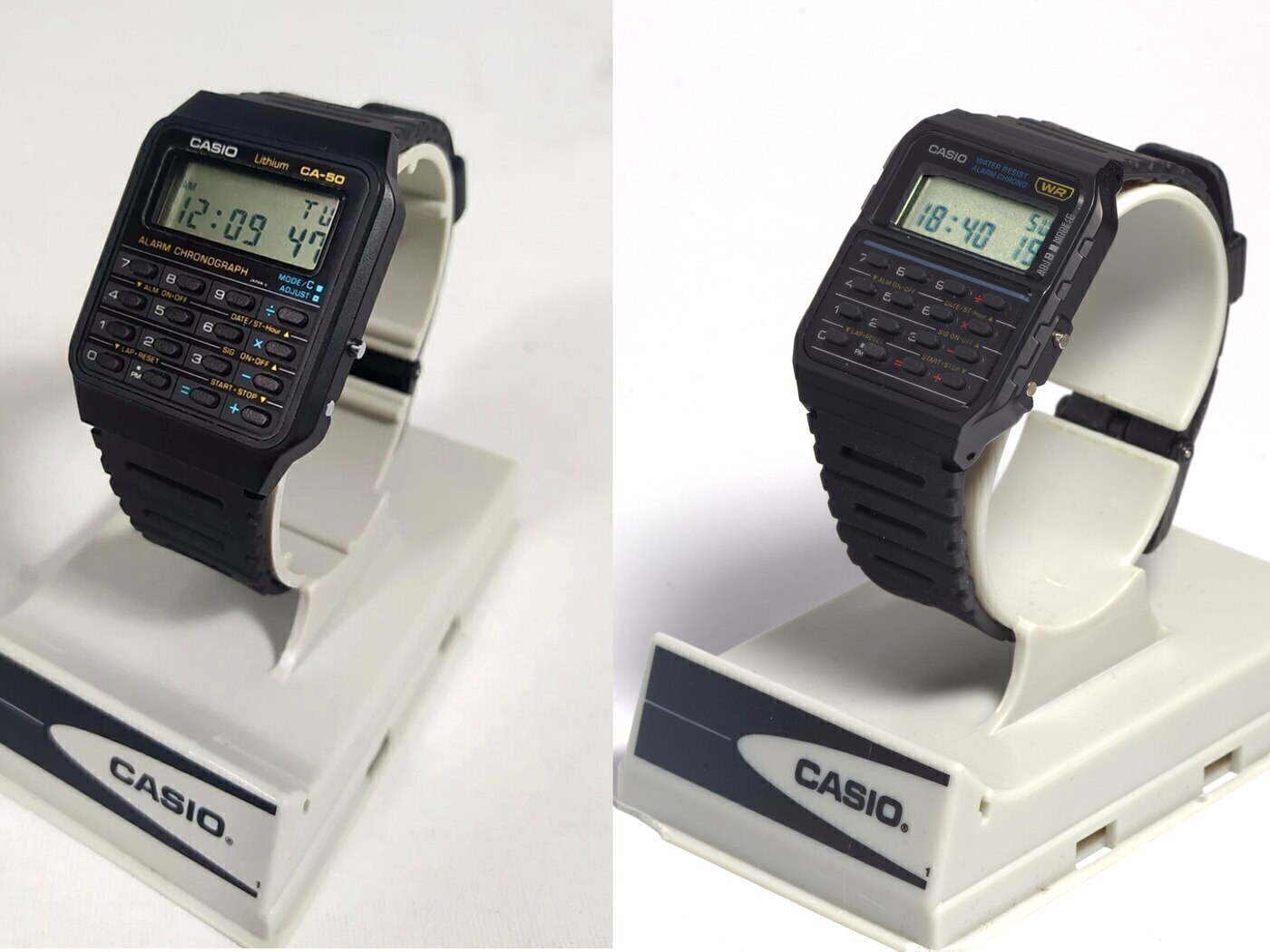
Casio CA-500WE
CA-500WE-1A
The same calculator module as the CA-53W in a chrome-plated case on a stainless steel bracelet — a dressier take that costs 28 grams in weight.
- Case
- 43.2 × 34.4 × 8.2 mm
- Weight
- 53 g
- Battery
- CR2016
- Water resistance
- Water Resistant (no depth rating published by Casio; not for swimming)
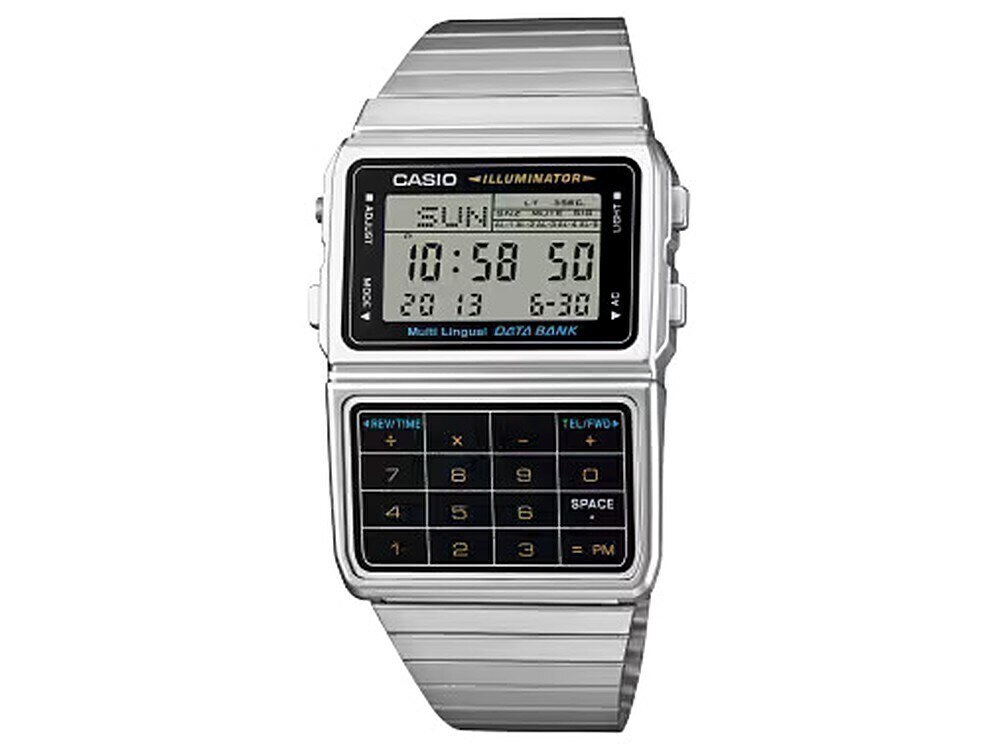
Casio DBC-611
DBC-611-1
The Data Bank calculator watch: an 8-digit calculator with currency conversion, a 25-entry phone book, five alarms and an amber LED light, on a steel band.
- Case
- 46.5 × 33.1 × 8.7 mm
- Weight
- 48 g
- Battery
- CR1616
- Water resistance
- Water Resistant (Casio publishes no depth rating)
Checked 19 Nov 2026 · Casio official site
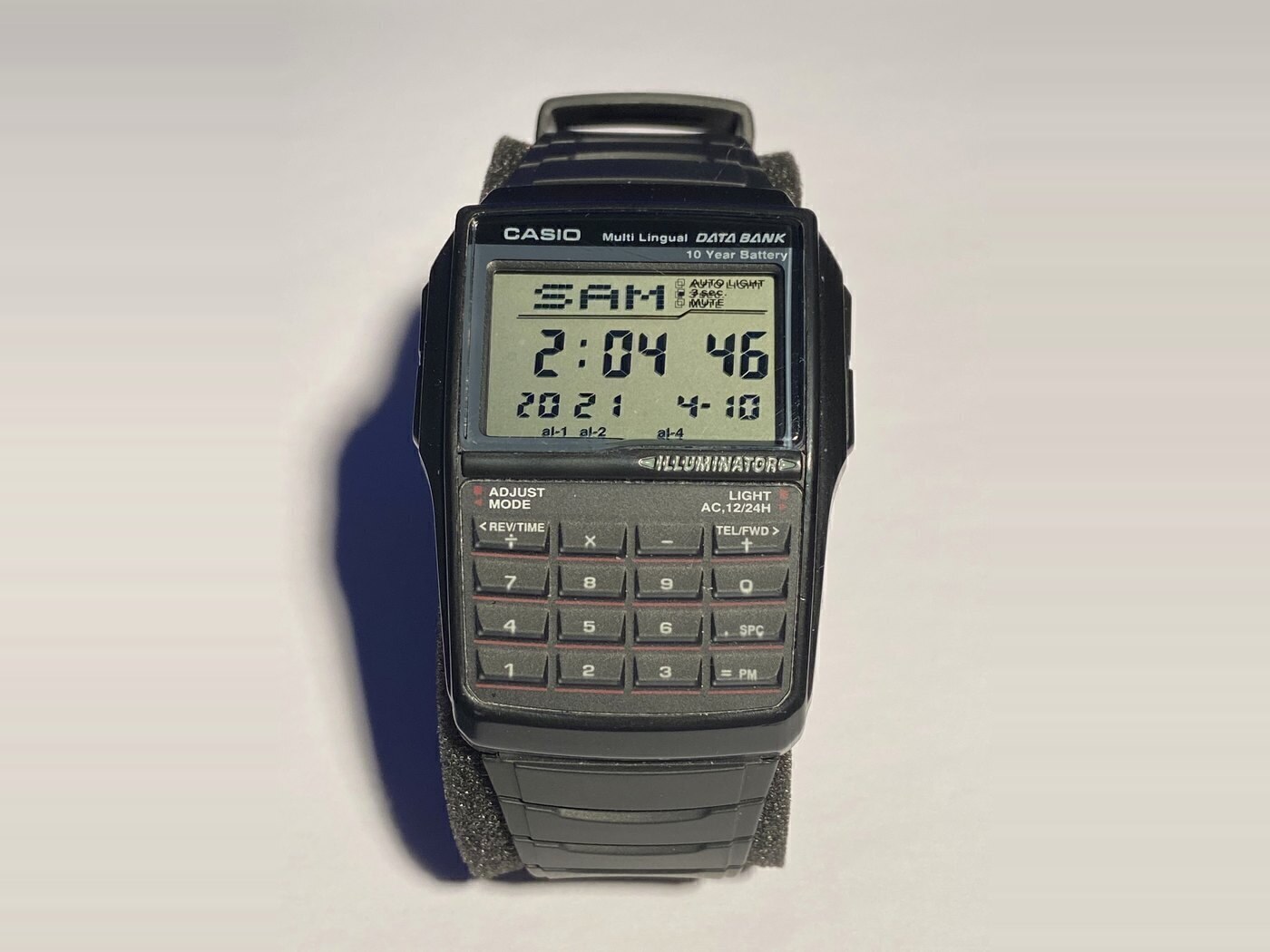
Casio DBC-32
DBC-32-1A
The chunky, resin-strapped Data Bank: same calculator, converter, telememo and ten-year battery as the DBC-611 in a wider case with a rubber band.
- Case
- 50.4 × 37.4 × 12.0 mm
- Weight
- 34 g (resin band)
- Battery
- CR2025
- Water resistance
- Listed by Casio as water resistant, without a published depth rating
Checked 19 Nov 2026 · Amazon
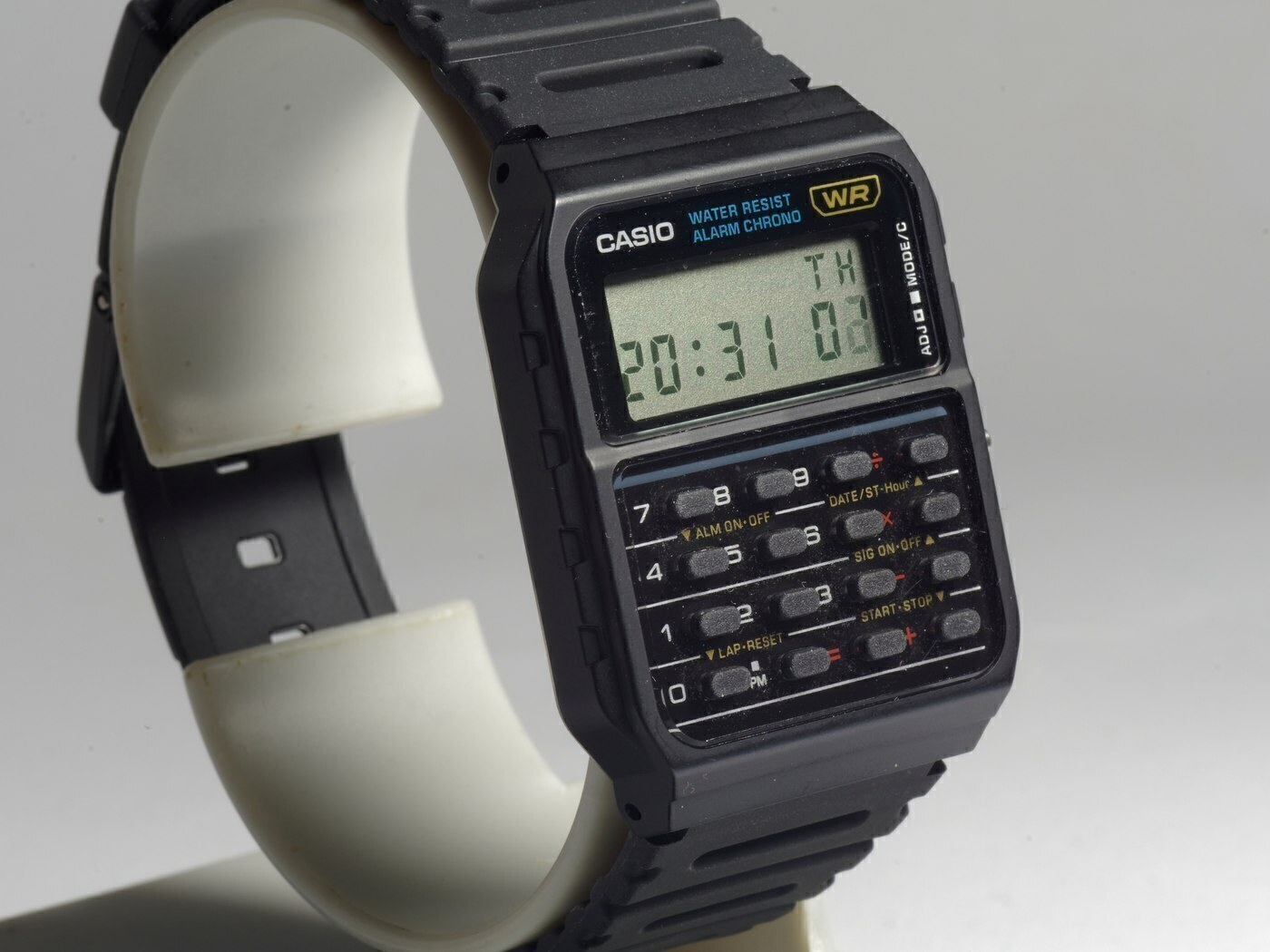
Casio CA-53W
CA-53W-1
The template calculator watch: a resin-cased 8-digit calculator with a full keypad, five-year battery and the lightest case of any model in this guide.
- Case
- 43.2 × 34.4 × 8.2 mm
- Weight
- 25 g
- Battery
- CR2016
- Water resistance
- Water Resistant (no depth rating published by Casio; not for swimming)
This article is editorial. Where a figure is given, it comes from the manufacturer’s published documentation and is dated on the page; where we are expressing a judgement, we say so. Something wrong? Tell us.